StoreShots AI Mobile UI/UX: Design App Screens From a Prompt
Before you have captures to frame, you still need screens. StoreShots Mobile UI/UX generates a coherent app flow from a prompt — then exports HTML, React, and React Native so engineering can start. It sits beside store screenshots. It does not replace them.
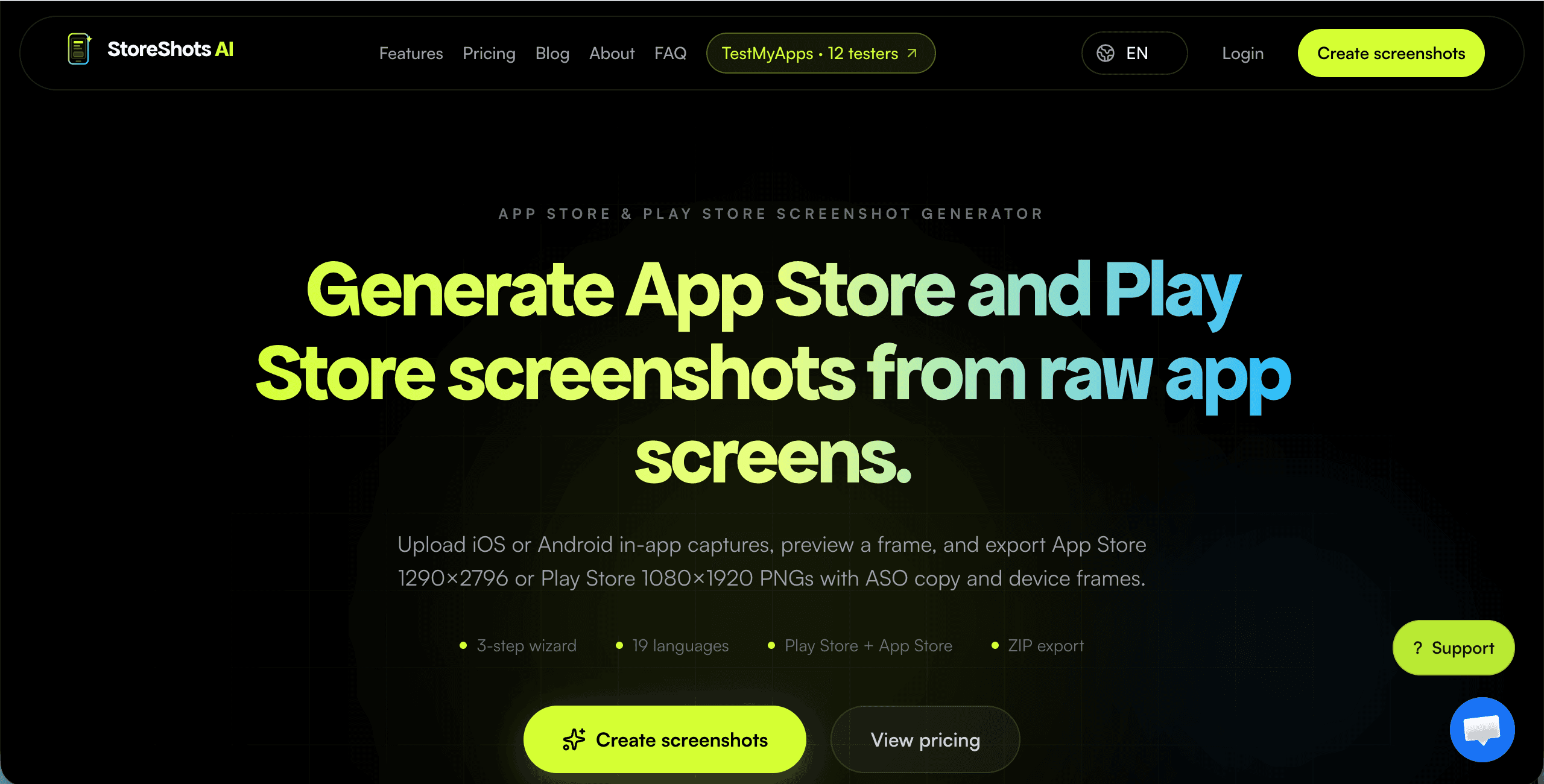
1. A second job inside the same studio
The StoreShots homepage opens on Mobile UI/UX because a prompt is enough to start — no uploads required. That is a conversion choice, not a signal that store listings are secondary. The product name is still StoreShots. Listing generation still needs real screens. Mobile UI is the path you take when those screens do not exist yet.
Use the AI mobile UI generator to plan home, detail, checkout, and the rest of a flow in one pack. Pick 3, 5, or 8 screens, a light or dark theme, and a language. Then describe the product in a sentence that names the screens you actually need.
2. Plan the pack before you spend credits
Generation should not surprise you with pretty but disconnected frames. StoreShots plans the pack first — names and briefs per screen — so you can rename “Screen 3” to “Checkout” and fix the story before renders are charged. That is the same discipline we use in client MVP work: agree the flow, then produce.
3. Export that engineering can use
Moodboards stall teams. StoreShots exports HTML, React, and React Native so a developer can start from the generated screens instead of tracing pixels. You may still move into Figma later for a brand system. The first slice does not have to wait for that.
4. Then switch to store screenshots
Once the app exists, switch to StoreShots listing mode. Upload the real iOS or Android captures and generate App Store 1290×2796 and Play Store 1080×1920 packs with ASO headlines. That is a different job from UI generation — and it is the same product. Read how store screenshot generation works.
5. How this connects to ClyroLabs services
If you need more than generated screens — auth, billing, a production backend — hire ClyroLabs for MVP or SaaS delivery. StoreShots is the self-serve studio for UI and listings. The ClyroLabs homepage brief is for custom product work. Many founders use both: generate a flow, then ask the studio to build it.
6. Get started
Open the AI mobile UI generator, describe the app, and generate a pack. When you have real captures, use the Play Store screenshot generator from the same account.